![LumenLearning_StackedLogo_RGB_Blackboard@2x.png]](https://support.lumenlearning.com/hs-fs/hubfs/Branding%202023/LumenLearning_StackedLogo_RGB_Blackboard@2x.png?height=40&name=LumenLearning_StackedLogo_RGB_Blackboard@2x.png)
If you are using Safai and receive this image and error message "Something's not working", this generally means you need to allow cross-site tracking.
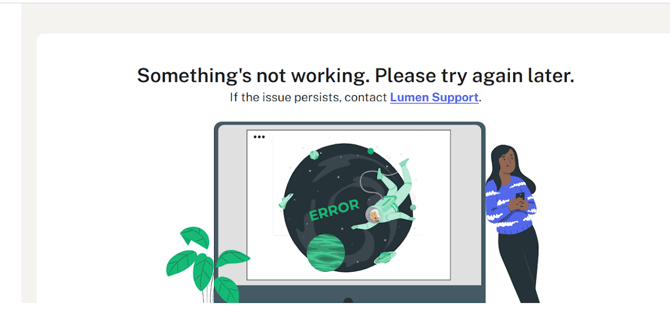
The steps below should help resolve this.
Safari: With Safari open, click Safari at the top left, and click preferences. Navigate to Privacy and uncheck "Prevent cross-site tracking."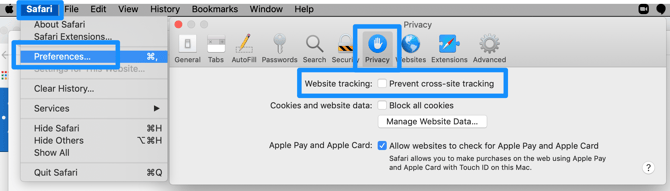
iPad or iPhone: Navigate to Settings. Scroll down to Apps. Scroll down to Safari. Scroll down to Privacy and Security. Click the slider to disable so that cross site tracking is no longer prevented.
If these steps do not resolve the issue, please follow any additional steps for Safari in this article (allow cookies, clear cache and cookies, etc).
If you are still unable to resolve, please submit a request.